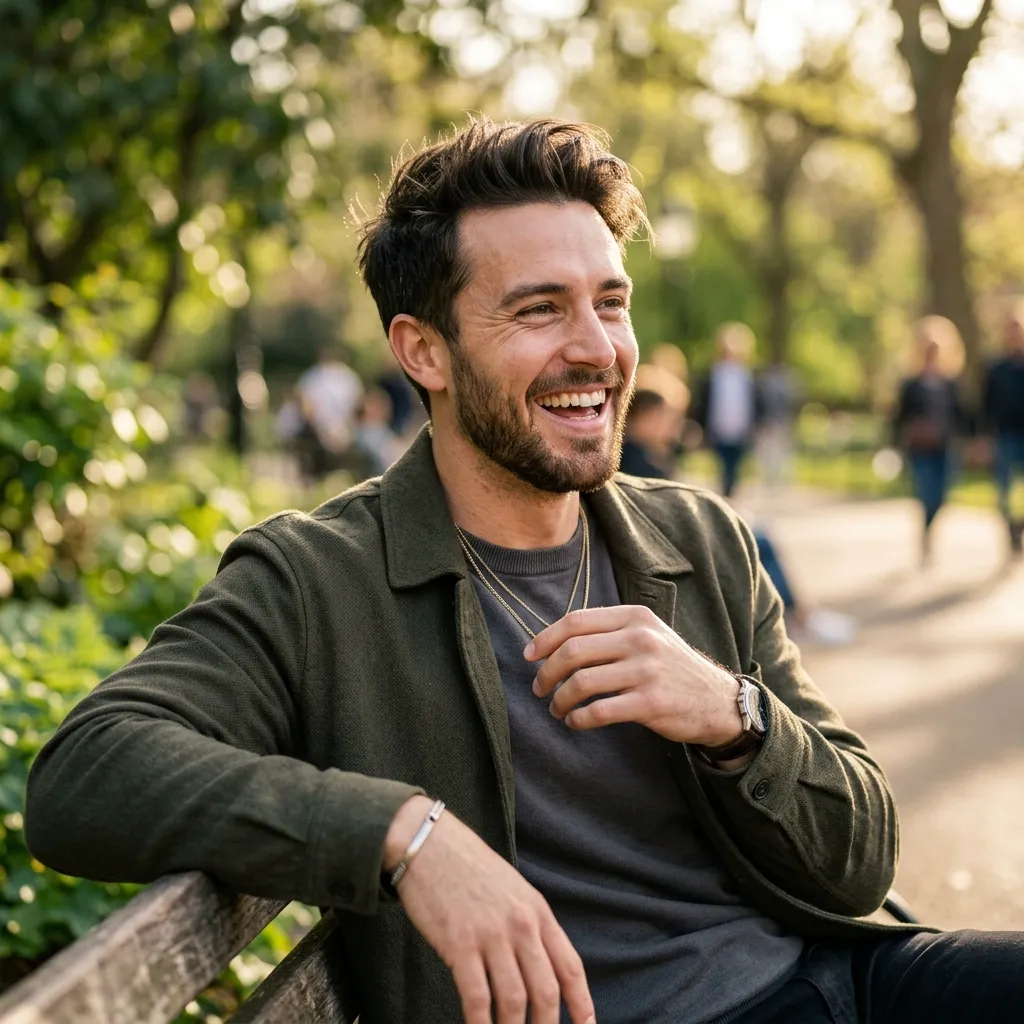
If you are asking can you send pics on Hinge, the real question is usually bigger: "How do I show more of myself after matching without making the conversation weird?" Hinge is not a photo-sharing app. It is a dating app built around profiles, prompts, likes, comments, and conversation. That means your best photos should already be on your profile before the chat starts.
For most users, sending extra pictures is not the move that fixes matches. A stronger Hinge profile fixes the issue earlier. If your photos are clear, current, and varied, the other person does not need you to prove what you look like in the conversation. They can focus on whether they want to meet you.
Werde nicht mehr geghostet.
Verwandle deine beiläufigen Selfies in nur 2 Minuten in Top 1% Dating-Profile. Hol dir die Matches, die du wirklich verdienst.


- Kostenlos umsehen und ausprobieren
- Ergebnisse oftmals direkt in Minuten
- 26 Profi-Styles per Klick
Quick Answer
Hinge is primarily designed around profile photos and prompt-based interaction, not random photo sending. If a match asks for more pictures, update your profile with better photos or move the conversation to a trusted channel only after there is mutual comfort. Do not send intimate, unsolicited, or pressure-based photos. They can damage trust and may violate platform expectations.
Why People Ask This Question
The keyword sounds technical, but the intent is emotional. People ask about sending pics on Hinge for 5 common reasons:
- They do not have enough strong photos on their profile.
- A match asked for another picture.
- They want to prove they are real.
- They want to send a funny moment from their day.
- They are unsure what Hinge allows after matching.
Each situation needs a different response. A casual coffee photo is different from an appearance-check photo. A mutual joke is different from an unsolicited selfie. The more personal the photo, the more consent matters.
The Better Strategy: Put the Right Pictures on Your Profile First
If someone needs extra proof of what you look like, your profile is probably not doing its job. Hinge gives you enough visual space to show a complete picture of yourself before the first message.
Use this 6-photo structure:
| Slot | Photo type | Job |
|---|---|---|
| 1 | Clear solo portrait | Make your face instantly recognizable |
| 2 | Full-body lifestyle photo | Build trust and reduce uncertainty |
| 3 | Hobby or activity photo | Give them something to comment on |
| 4 | Social proof photo | Show you have a real life |
| 5 | Dressed-up photo | Show date-night potential |
| 6 | Casual personality photo | Make the profile feel human |
That structure answers most "send a pic" requests before they happen. If you are missing these photos, use RadiantSnaps Hinge photos to create realistic options without hiring a photographer.
What Not to Send on Hinge
Even when photo sharing is technically possible through a conversation or an external app, some photos are bad dating strategy.
Avoid sending:
- Bathroom mirror selfies.
- Shirtless photos with no context.
- Old pictures that look different from today.
- Cropped photos with an ex.
- Group photos where they have to guess who you are.
- Intimate photos unless there is explicit consent.
- "Proof" photos that make the conversation feel like an interview.
The goal is not to flood someone with images. The goal is to build enough trust and curiosity that meeting feels natural.
If a Match Asks for More Pictures
Do not panic. A request for more pictures can mean they are cautious, curious, or checking for consistency. Reply in a way that stays confident and normal.
Use one of these responses:
- "Fair. I just added a more recent coffee photo to my profile."
- "Happy to. What are you trying to verify: height, smile, or whether I own more than one shirt?"
- "I can send one after we chat a bit more. I keep random photo swaps off the app until there is some trust."
- "My profile is current, but I can add another casual photo there."
The best answer is usually not defensive. It is relaxed, clear, and boundaries-friendly.
If You Want to Send a Funny or Casual Photo
Sometimes a photo is not about proving appearance. Maybe you are talking about cooking and want to show the pasta. Maybe you mentioned a dog, a painting, a weird coffee order, or a travel view. In that case, the photo supports the conversation.
Before sending, ask one light permission question:
"This visual is better than my explanation. Want to see the failed pasta?"
That line does 3 things: it gets consent, keeps the tone playful, and avoids surprising the other person. Consent does not have to be formal or heavy. It just has to be clear.
Why Better Profile Photos Beat Extra Chat Photos
Dating apps are front-loaded. Most decisions happen before the conversation. If your profile photos are weak, you may not get the chance to send anything later. If your profile photos are strong, the conversation starts with less friction.
Better profile photos help in 5 ways:
- They reduce uncertainty.
- They make your prompts more believable.
- They create specific comment hooks.
- They attract matches who are already comfortable with your appearance.
- They lower the need for awkward verification.
This is why a photo upgrade is usually a better fix than learning every messaging workaround.
How to Choose Hinge Pictures That Get Comments
Hinge differs from Tinder because users can like or comment on a specific profile element. A photo should not only make you look good. It should give someone an easy line.
Good Hinge photo hooks:
- You cooking something specific.
- You at a recognizable local spot.
- You in a hobby setting.
- You dressed for an event.
- You with a pet in a natural moment.
- You doing something active but not performative.
Bad Hinge photo hooks:
- "Nice pic."
- "Where is this?"
- "Is that your friend?"
The first set invites personality. The second set invites confusion.
Photo Safety and Authenticity
AI dating photos can work when they are accurate and realistic. They become risky when they misrepresent your age, face, body, height, lifestyle, or surroundings. Dating apps are increasingly sensitive to fake-looking profiles and AI deception, and the broader dating app market is moving toward stronger authenticity signals.
Use this rule: if you would feel embarrassed when your date says "that does not look like you," do not use the photo. The best AI-generated dating pictures should look like a good photo of the real you, not a fantasy version.
10-Point Hinge Photo Checklist
Before asking whether you can send pics on Hinge, check whether your profile already passes this list:
- Photo 1 clearly shows your face.
- At least 1 photo shows your body shape honestly.
- At least 1 photo gives a conversation hook.
- No more than 1 mirror selfie.
- No first-photo sunglasses.
- No cropped ex.
- No obvious AI artifacts.
- No group photo before slot 4.
- All photos look recent.
- The photos match the personality in your prompts.
If you fail 3 or more items, fix your profile before worrying about in-chat photos.
Internal Links to Use Next
- Build a stronger profile with Hinge photos.
- Diagnose low visibility with no matches on Hinge.
- Compare AI photo tools with best AI dating photo generators.
- Generate realistic photos with RadiantSnaps.
Frequently Asked Questions
Should I send a selfie if someone asks if I am real?
You can, but you do not have to send one immediately. A safer move is adding a recent casual photo to your profile or suggesting a quick video call after some conversation. Real people can still have boundaries.
Is it weird to ask someone else for more pictures on Hinge?
It depends on tone. Asking for a clearer profile photo can be reasonable, but demanding private photos early feels suspicious. If you ask, explain why and keep it low pressure.
Can AI photos hurt your Hinge profile?
Yes, if they look fake or exaggerate your appearance. AI photos work best when they preserve your real face and create realistic dating contexts. They should improve lighting, framing, and variety, not invent a different person.
Bottom Line
So, can you send pics on Hinge? The better answer is this: build a profile where you rarely need to. Use 6 clear, current, varied photos; make every image either build trust or create a conversation hook; and treat any extra photo sharing as optional, consensual, and context-specific.
If your profile photos already answer the big questions, your chats can move toward chemistry instead of verification.
Sources: Hinge overview, RadiantSnaps Hinge photos, AI dating photo generators
Häufig gestellte Fragen
- Can you send pics on Hinge?
- Hinge is built around profile photos, prompts, likes, comments, and chat. If you want someone to see a photo, the safest option is to add it to your profile rather than trying to send random pictures in a conversation.
- Can you send private photos on Hinge?
- Do not rely on private photo sending as a dating strategy. Hinge conversations should build trust first, and any personal photo should be consensual, relevant, and safe. Your profile photos should already answer the basic appearance question.
- What photos should I put on Hinge instead?
- Use a clear solo portrait, a full-body lifestyle photo, one social or hobby photo, one dressed-up photo, and one casual photo that gives a conversation hook. Avoid blurry selfies, old photos, and group photos where you are hard to identify.