Hinge Photo Aspect Ratio: Best Size and Crop Guide
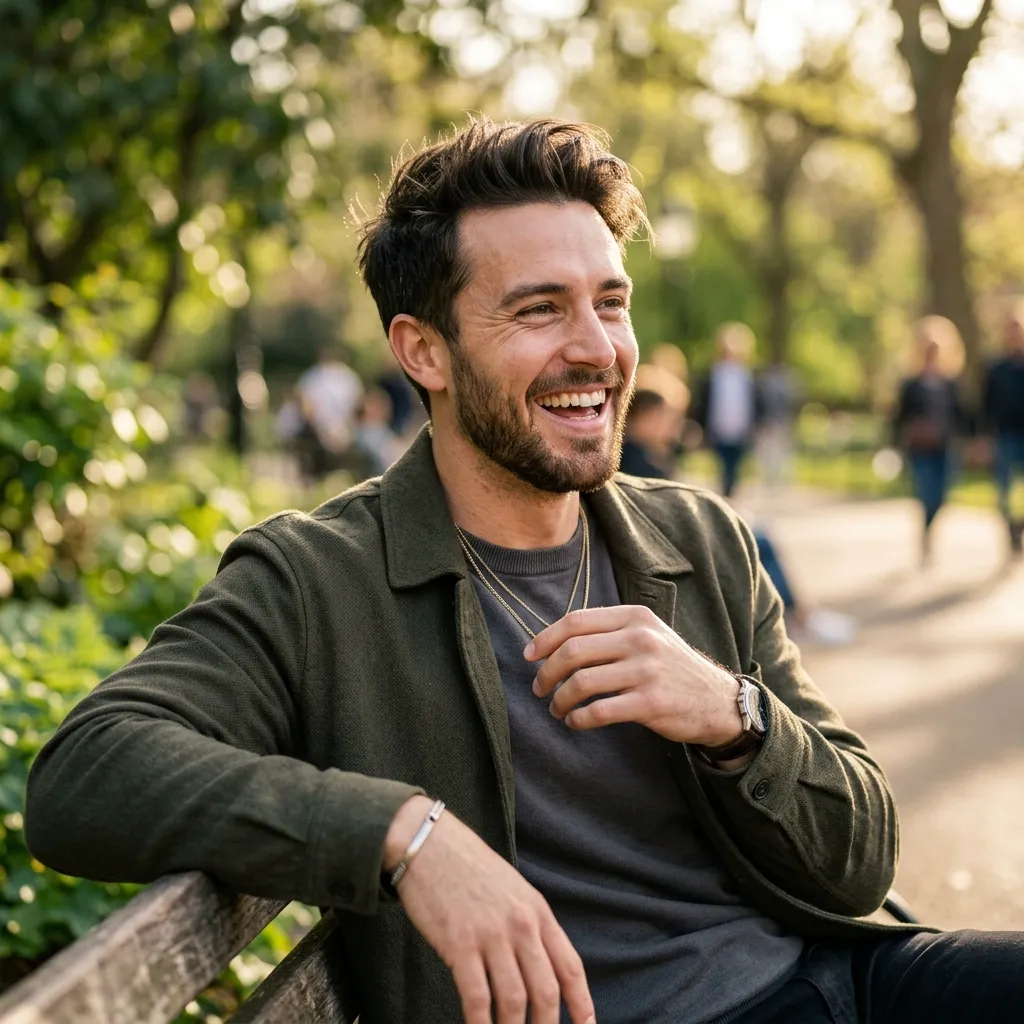
The safest Hinge photo aspect ratio is usually 4:5 portrait, with square as a reliable backup. Hinge does not publish a simple universal "best pixel size" for every display state, but the official help center says members need four to six photos, depending on local requirements, plus three prompt answers. That means every crop matters.
If one photo crops your forehead, hides your face, or cuts off the context, it weakens one of your limited profile slots.
Deja de ser ignorado (Ghosted).
Convierte tus selfies casuales en perfiles de citas del Top 1% en solo 2 minutos. Consigue los matches que realmente te mereces.


- Entra al panel sin necesidad de tarjeta
- Saldrás con tus fotos en pocos minutos
- Elige entre 11 conceptos ganadores
Quick Answer: Best Hinge Photo Aspect Ratio
- 4:5 portrait: best default for lead photos, full-body shots, and lifestyle photos.
- 1:1 square: safe for face photos, simple crops, and backup formats.
- 3:4 portrait: good for natural phone photos with room around the face.
- 9:16 vertical: risky unless you crop before uploading.
- Landscape: risky unless the scene matters more than your face.
Use the checker below to test your dimensions before uploading:
Use the tool
Check your Hinge photo crop before uploading
Check whether a dating photo is safe for Hinge, Tinder, and Bumble before the app crops your face.
Safe defaults
Why Aspect Ratio Matters On Hinge
Hinge profiles are built from photos and prompt answers. Your photos are not just decoration. They are conversation hooks.
If someone likes one of your photos, that photo needs to work at preview size and full size. A bad crop can make a good photo look careless. A good crop makes the profile feel intentional.
The three most common crop problems:
- Your face is too close to the top edge.
- A full-body photo becomes a torso-only photo.
- A landscape image turns into a tiny face with too much background.
The Best Crop For Your First Hinge Photo
Your first photo should be easy to understand in less than one second.
Use this framing:
- Crop: 4:5 portrait.
- Face size: visible and clear.
- Eyes: near the upper third.
- Shoulders: visible.
- Background: clean but not empty.
- Expression: relaxed, approachable, recent.
Avoid sunglasses, hats, dark shadows, and group shots in the first photo. Your first image has one job: make the viewer trust that you are real and worth inspecting.
Best Hinge Photo Lineup
Because Hinge requires multiple photos, you need variety.
Use this sequence:
- Clear lead portrait.
- Full-body photo.
- Activity or hobby photo.
- Social or lifestyle photo.
- Travel, pet, food, or environment photo.
- Polished date-ready photo.
Each image should answer a different question. What do you look like? What is your lifestyle? What would it feel like to spend time with you?
If you are missing two or more of these, AI Hinge photos can help build a complete set without a studio shoot.
Should You Use Square Photos On Hinge?
Square photos are safe, especially for headshots. They keep the crop predictable and work well when the face is centered.
The downside is that square images can feel less dynamic than portrait photos. A 4:5 crop gives you more vertical space for posture, clothing, and setting. For dating apps, that extra context helps.
Use square when:
- The original photo is already square.
- Your face is the main focus.
- Cropping to 4:5 would cut off important context.
Use 4:5 when:
- You want a stronger lead photo.
- You need body language.
- You want the image to feel more editorial.
Are 9:16 Vertical Photos Bad?
Not always, but they are risky. A 9:16 phone photo can look good in your camera roll and then feel awkward in a dating profile crop.
Problems:
- Too much empty space above or below you.
- Face gets cropped in previews.
- Body proportions look strange.
- The image feels like a story screenshot instead of a profile photo.
Before uploading, make a 4:5 version. Keep your eyes in the upper third and avoid placing your face near the edge.
Hinge Photo Quality Checklist
Before uploading, check:
- Is your face clear at thumbnail size?
- Is the crop clean on mobile?
- Is the photo recent?
- Does it show a different side of you than the other photos?
- Would someone have something easy to comment on?
- Does it avoid heavy filters and obvious editing?
If the answer is no, replace it or recrop it.
Bottom Line
The best Hinge photo aspect ratio is the one that keeps your face clear and the context intact. Start with 4:5 portrait, use square when needed, and avoid uploading tall 9:16 shots without checking the crop first.
Sources: Hinge Help Center
Preguntas Frecuentes
- What is the best Hinge photo aspect ratio?
- A 4:5 portrait crop is the safest all-around format for dating photos because it keeps your face prominent while leaving enough room for shoulders and context. Square photos are also usually safe.
- How many photos do I need on Hinge?
- Hinge says members are required to have between four and six photos, depending on local requirements, plus three prompt answers.
- Are vertical 9:16 photos good for Hinge?
- They can work, but they are risky because dating app previews may crop too tightly. Make a 4:5 version before uploading if your face or body is close to the edge.