How to Browse Tinder Anonymously: What Is Actually Possible
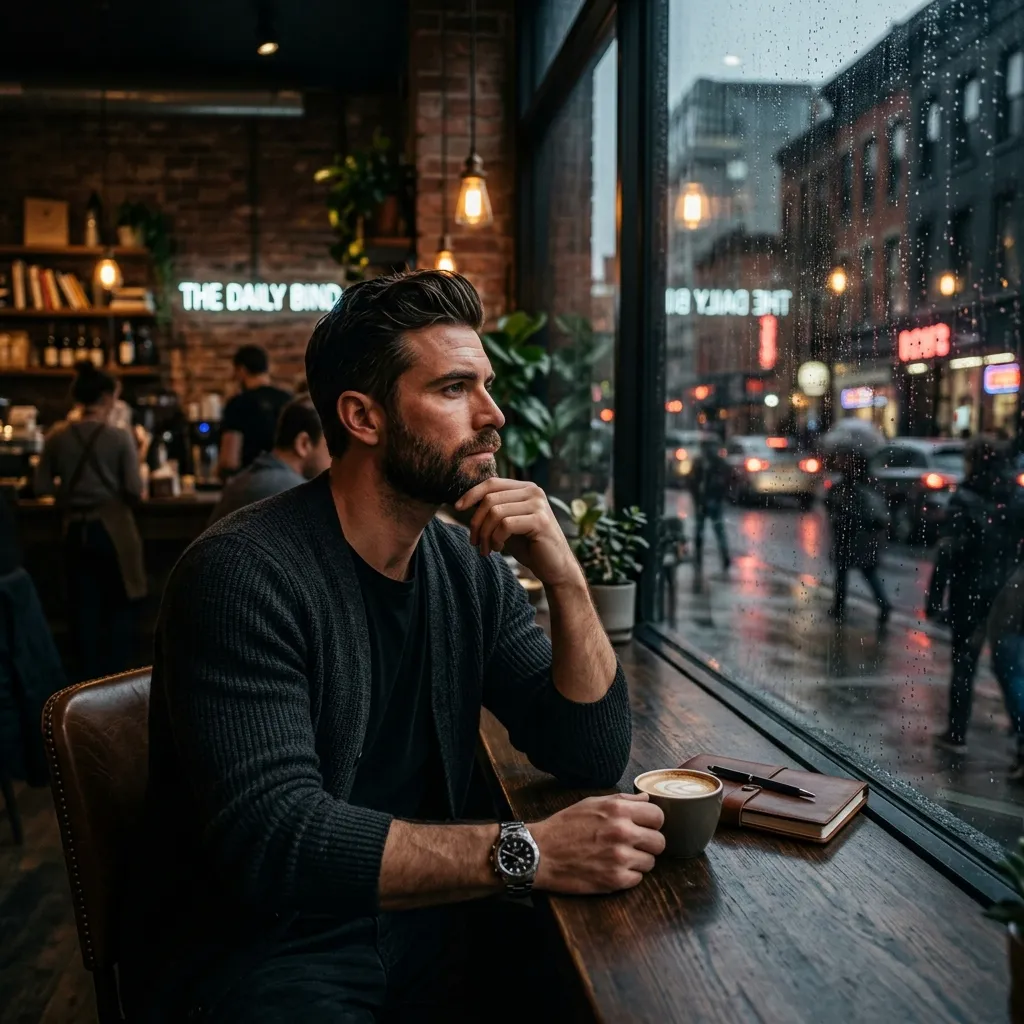
If you searched how to browse Tinder anonymously, you probably want privacy: maybe you are checking the app before joining, avoiding coworkers, or trying not to be seen by someone specific. The honest answer is that Tinder is not built for fully anonymous browsing, but you can reduce exposure with safer settings.
Ne vous faites plus ghoster.
Transformez vos selfies occasionnels en profils de rencontre du Top 1% en seulement 2 minutes. Obtenez les matchs que vous méritez vraiment.


- Pas de carte requise pour essayer
- Photos prêtes en quelques minutes
- 11 Mises en scène premium
Quick Answer
You usually cannot browse Tinder fully anonymously in the normal free experience. Tinder discovery is based on real profiles being shown to other profiles. You can reduce risk by tightening discovery settings, using Block Contacts, controlling profile visibility when available, or using paid privacy tools if your account offers them.
| Goal | Best option | Important limit |
|---|---|---|
| Use Tinder without being widely seen | Use visibility controls if available. | May require a paid tier. |
| Avoid specific contacts | Use Block Contacts. | Only helps with contacts you add or choose. |
| Look without making an account | Not reliable. | Discovery generally requires an account. |
| Hide from every possible person | Do not use discovery. | No app setting can promise zero exposure. |
Can You Use Tinder Without An Account?
For practical dating use, no. Tinder discovery is an account-based experience. You may see public marketing pages or app store previews, but browsing real local profiles normally requires a Tinder account.
Be careful with websites that claim to show Tinder profiles without logging in. They may be outdated, misleading, scraping data, or trying to collect your information.
How To Reduce Your Visibility
Use this privacy checklist:
- Set your distance and age filters narrowly.
- Avoid linking public social handles in your bio.
- Use Block Contacts for people you know you want to avoid.
- Turn off discovery if you want to pause being shown.
- Review paid privacy controls if your account offers them.
- Keep photos realistic, but not overly identifying in unsafe ways.
If your worry is being recognized by people you know, your photos matter. You still need to look like yourself, but you do not need a profile full of workplace badges, home exterior shots, or private-location clues. RadiantSnaps can create polished but realistic dating photos through the AI dating photo generator.
Incognito-Style Browsing
Some Tinder users see visibility tools that resemble incognito browsing, often connected to paid tiers or privacy controls. The exact name, availability, and behavior can change. If your app offers a setting that says only people you like can see you, read the wording carefully before relying on it.
Do not assume "anonymous" means invisible everywhere. It may only affect discovery, not matches, messages, reports, screenshots, or people you already interacted with.
Anonymous Browsing vs Block Contacts
These are different:
| Feature | What it tries to do | Best use |
|---|---|---|
| Block Contacts | Reduce exposure to selected people. | Avoid coworkers, exes, or relatives. |
| Discovery off | Stop showing your profile broadly. | Take a break without deleting. |
| Incognito-style setting | Limit who can see you. | Browse more privately if available. |
What Not To Do
Avoid privacy shortcuts that create bigger problems:
- Fake identity profiles.
- Someone else's photos.
- Third-party Tinder viewers.
- Device spoofing apps.
- Scrapers or automation tools.
- Public contact info in your bio.
Tinder's Community Guidelines emphasize real identity, one account per person, and not abusing the service. Privacy is valid; deception and manipulation are risky.
Bottom Line
How to browse Tinder anonymously: you cannot make Tinder completely anonymous, but you can reduce visibility. Use official privacy controls, Block Contacts, discovery settings, and careful profile choices. Skip third-party tools and fake accounts. If you want to look good while keeping the profile clean and safe, start with better photos and a focused dating photo plan.
Questions Fréquentes
- Can you browse Tinder anonymously?
- You can reduce visibility with privacy settings or paid visibility controls, but fully anonymous browsing is limited. Tinder is built around real profiles and mutual discovery.
- Can I look at Tinder without an account?
- Not in a reliable normal browsing way. Tinder generally requires an account to use discovery and view profiles in the app.
- Can people see me if I swipe on Tinder?
- In normal discovery, your profile can be shown to others. Visibility controls may change this, but availability depends on your app and subscription.