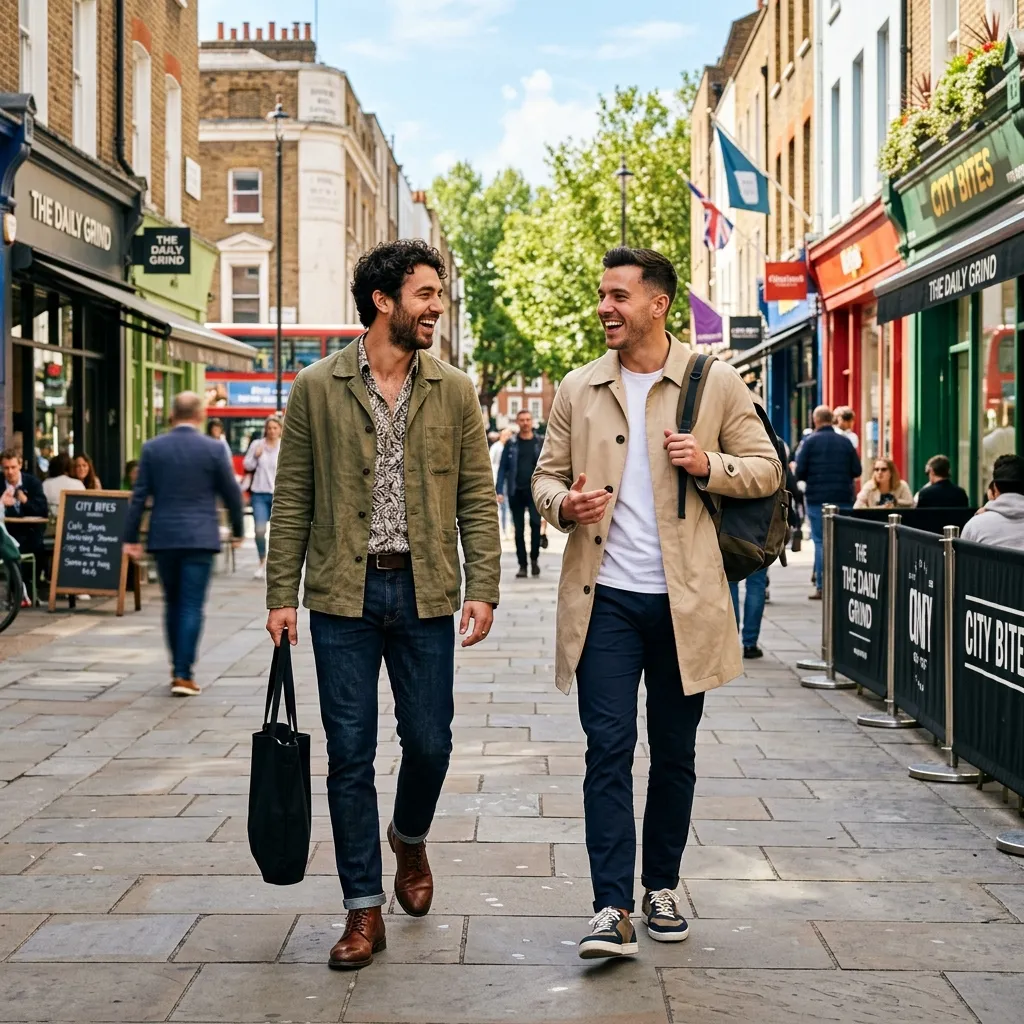
If you searched how do I find people on Tinder or how do you find people on Tinder, the answer is Discovery, not a public search bar. Tinder shows people based on your settings, location, activity, and profile relevance. You cannot browse the whole user base like a directory, but you can improve who appears and who matches back.
This guide is for users who want better people in their stack, not just more random swipes.
もう無視(フェードアウト)されるのは終わりにしよう。
たった2分で、何気ない自撮り写真を「上位1%のモテるプロフィール」に変えましょう。あなたが本当に得るべきマッチを手に入れてください。


- 会員登録は不要
- 数分でオリジナル写真を生成
- 26種類の厳選スタイル
Quick Answer: How to Find People on Tinder
To find people on Tinder:
- Open Discovery settings.
- Set a realistic distance.
- Choose an age range that matches your intent.
- Keep your own profile active.
- Swipe selectively.
- Improve photos so the right people like you back.
Finding people is only half the job. Being findable by the right people is the other half.
Why Tinder Is Not a People Search Engine
Tinder is built for mutual discovery. You do not type a name and get a list of every profile. That protects privacy and keeps the app focused on matching.
You can usually:
- Browse profiles Tinder shows.
- Adjust distance and age range.
- Search your existing matches.
- Update your profile to attract better matches.
You usually cannot:
- Search all Tinder users by name.
- Force one person to appear.
- Confirm whether a specific person has an account.
- View profiles outside the app's matching flow.
If your goal is to find a specific person, read How to Find Someone on Tinder.
Set Discovery Filters the Smart Way
If your filters are too narrow, you may see fewer people. If they are too broad, you may see irrelevant profiles.
Start with:
- Distance: close enough for a real date
- Age range: realistic, not fantasy broad
- Location: current city or where you actually date
- Preferences: aligned with your real intent
Then test changes one at a time. Do not change distance, age, bio, and photos all in the same day if you want to know what worked.
Your Profile Controls Who Finds You
People forget that Tinder is two-sided. You are not just finding people. They are judging whether to match with you.
A good profile helps Tinder and humans understand you quickly:
- Clear face photo
- Full-body or outfit photo
- Lifestyle or hobby photo
- One social-context photo
- Specific bio
- Clean, current visuals
If your first photo is weak, the people you want may pass before reading anything. Use AI Tinder photos or RadiantSnaps if your current photos are not good enough.
Swipe Behavior Matters
Mass-swiping can hurt match quality. If you like almost everyone, you create weak signals and more dead matches.
Better approach:
- Like people you would actually message.
- Pass on profiles outside your intent.
- Use Tinder during active evening hours.
- Message fresh matches quickly.
- Avoid copied openers.
This helps Tinder learn from cleaner signals and helps you avoid a messy match list.
Why You Keep Seeing the Wrong People
Common reasons:
- Distance is too wide.
- Age range is too broad.
- Your profile attracts a different audience than you want.
- Your photos signal the wrong lifestyle.
- You swipe right too broadly.
- Your city has limited active users.
The fix is not always more swipes. Often it is better photos and clearer profile positioning.
A Better Discovery Routine
Use this 15-minute routine instead of endless swiping:
- Open Tinder during an active evening window.
- Swipe only on people you would actually message.
- Stop after a focused session, not after you are bored.
- Message new matches within 24 hours.
- Review which photos seem to attract the right people.
After 7 days, adjust one variable: distance, age range, first photo, or bio. Changing one variable at a time helps you learn whether the problem is your settings, your profile, or your local dating pool.
Bottom Line
How do you find people on Tinder? Use Discovery settings, swipe with intent, and make your profile attractive enough for the right people to match back. Tinder is not a public people search tool. It is a mutual discovery system, so your profile quality is part of the search strategy.
Sources: Tinder Help Center: Discovery Settings; Tinder Pressroom: The method behind matching; Tinder Safety Tips
よくある質問
- How do I find people on Tinder?
- You find people on Tinder through Discovery. Set distance, age, and preference filters, then swipe through the profiles Tinder shows based on location, activity, and relevance.
- How do you find people on Tinder?
- Use Discovery settings, keep your profile active, improve your photos, and swipe selectively. Tinder is not a public search engine, so you find people by browsing the stack.
- Can I search all people on Tinder?
- No. Tinder does not let you search every user like a directory. You can browse profiles shown to you and search your own matches, but not the full user base.
- Why am I not finding the right people on Tinder?
- Your filters may be too narrow, your location may have low activity, your profile may be weak, or your swiping behavior may train Tinder on poor intent signals.