France Passport Photo Size (35×45 mm) Online Maker

Make 35×45 mm France passport photos online in minutes. Crop to the exact format, place the face at 70–80% of the height and use a light background — white is not accepted.

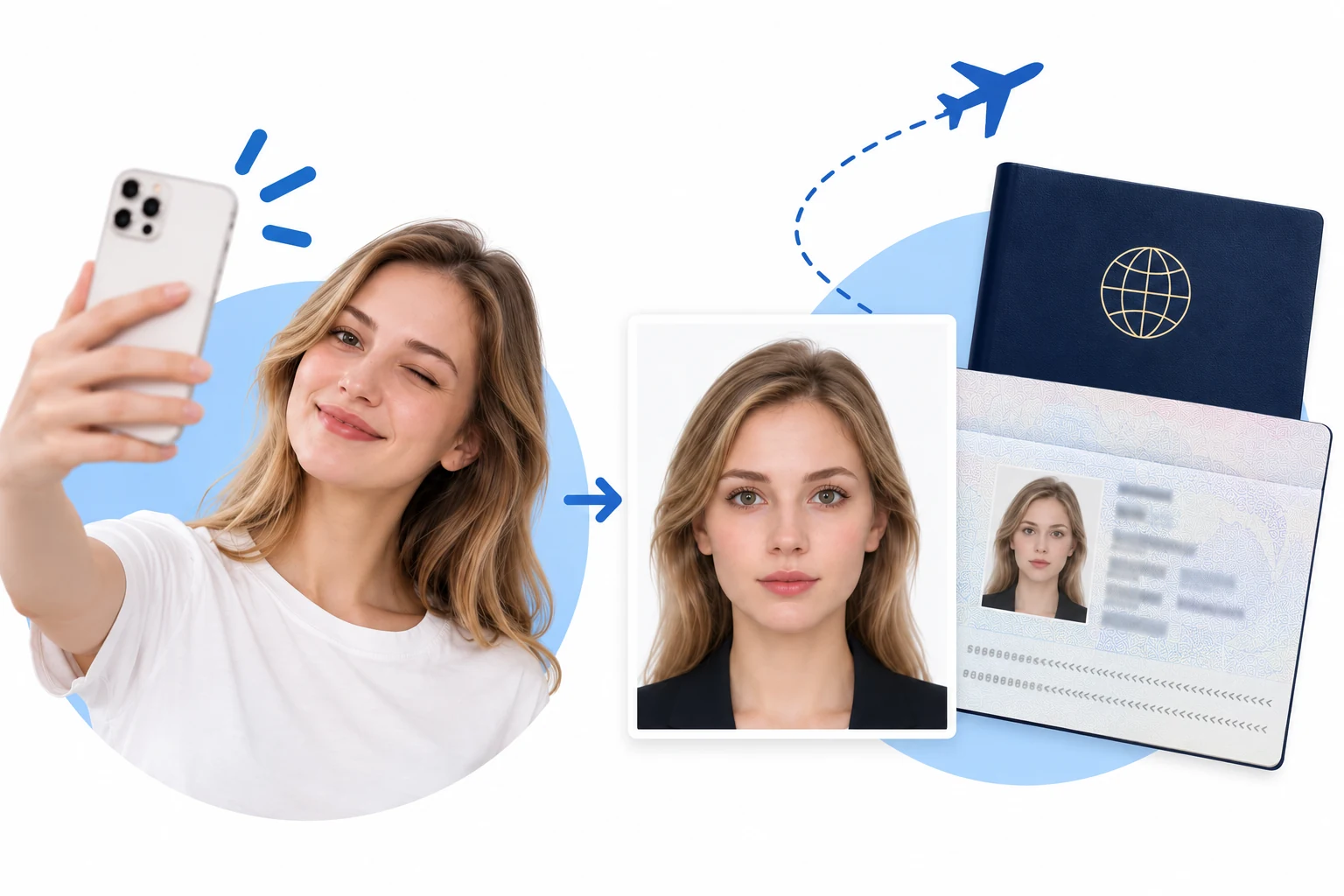
Passport photo maker turning a selfie into the perfect passport photo size and background — an online passport photo ready in 3 minutes
SelfiePassport photo
France passport · 35×45 mmReady in 3 minutesPhoto privacy & security

France Passport Photo Requirements

A French identity photo is 35 × 45 mm with the face between 32 and 36 mm from chin to the top of the skull. The background must be plain and light — light blue or light grey — because a white background is expressly refused.

01 · Photo size & digital dimensions

Print format
35 × 45 mm (3.5 × 4.5 cm), portrait orientation.
Face size
32–36 mm from the bottom of the chin to the top of the skull, without the hair — that is 70–80% of the photo height.
Digital submission
The online pre-application does not take an upload; the photo is handed in or scanned at the appointment, so match the printed format exactly.

02 · File format & print finish

Accepted formats
A colour JPG or PNG for printing; the file you keep is not the document the administration receives.
Hardcopy
Sharp print, no creases, folds or marks. Print on photo paper at 100% scale.
Who may take it
France asks for a photo taken by an approved photographer or an approved booth. A home-made photo is a practical fallback, not a guarantee of acceptance.

03 · Background & lighting

Background
Plain light background: light blue or light grey. A white background is refused.
Lighting
Even exposure — no overexposure, no underexposure, no shadow on the face or behind you.
Practical tip
Stand a little away from the wall so the light does not cast a shadow behind your shoulders.

04 · Position & expression

Pose
Head straight, face turned to the lens, both ears clear of the hair.
Expression
Neutral expression with the mouth closed; look straight into the lens.
Framing
Keep the whole head in frame with space above it, so the 70–80% face ratio can be set without cutting the skull.

05 · Glasses, hair & headwear

Glasses
Optional. If worn: thin frame that does not hide the eyes, no tinted or coloured lenses, no reflection.
Hair
Hair must not cover the face. A fringe is tolerated only if it stays clear of the eyes.
Headwear
The head must be bare — no hat, scarf or headband.

06 · Recency & natural appearance

Photo age
Taken less than six months ago and recognisable as you today.
Editing
The photo must be sharp and free of marks; reshaping the face or smoothing the skin is not accepted.
Practical tip
Turn off beauty mode and HDR before capture — French counters reject visibly retouched portraits.

07 · Taking a photo at home

Phone photos
Ask another person to take the photo at eye level; a selfie distorts the face proportions.
Camera setup
Use a timer or a steady support, and keep the lens level with your eyes.
Clothing tip
Wear a top that contrasts with the light background; a plain collared shirt reads best.

08 · Final check before submission

Review the image
Zoom in on the eyes, the ears and the outline of the head; check there is no shadow behind you.
Review the size
Confirm 35 × 45 mm and a 32–36 mm face after export, not only in the on-screen preview.
Acceptance
The mairie or prefecture decides. If your appointment requires an approved photographer, have the photo taken there instead.

Sources checked 31 October 2026: service-public.gouv.fr F10619 “Quelle photo fournir pour un titre d’identité” (dimensions, face size, background, glasses, headwear) and the arrêté du 5 février 2009 on passport photos. Size dictionary entry: fr-passport (official).

How to make a passport size photo online

Create your online passport photo in 3 minutes.

One photo. The right size. A clean background.

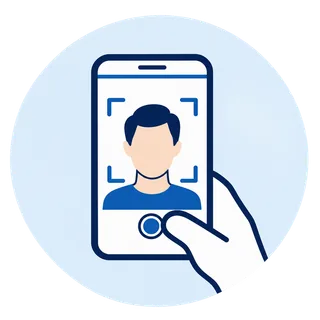
Take a clear portrait with your phone — the first step to make a passport photo online

Start with a clear portrait

Upload a recent, front-facing photo. Keep your full head and shoulders visible.

AUTO badge icon: passport size photo size, head positioning and background adjusted automatically

Automatic size, positioning & background

Choose your document. The system automatically adjusts photo dimensions, subject positioning and background to the selected format.

Checklist illustration: check the passport photo size and requirements, then save or print your passport photos

Check, then save or print

The system checks your photo against the selected application requirements. Once it passes, save or print it. Final acceptance rests with the issuing authority.

Why make your passport photo with RadiantSnaps?

A simpler way to prepare your photo, wherever your next trip takes you.

01

At home, on your schedule

No appointment or trip to a photo studio. Start with a photo from your phone.
02

Your face stays yours

Cropping and background removal preserve your original facial features.

03

Measurements you can see

Review head height, eye position and photo dimensions before downloading.

Why do passport photos get rejected?

The right size is only the beginning. These issues may need a new photo, not another crop.

01

Blur or beauty filters

Cropping cannot restore missing detail. Start again with a sharp, recent, unfiltered portrait.

02

A cropped head or shoulders

Retake the photo with room around your head and shoulders. Do not generate missing body parts.

03

Shadows, glare or hidden features

Face soft, even light. Follow your authority’s rules for glasses, head coverings and expression.

04

The wrong document or submission route

Printed and online applications can use different specifications. Check the document, dimensions, pixels and file format.

Customer reviews

Megan H.

“Honestly, this was much easier than I expected. I took the photo at home, adjusted it using the guides, and had everything ready in just a few minutes.”

Chris P.

“The size and positioning guides were really helpful. I could see what needed fixing right away instead of guessing whether the photo would meet the requirements.”

Nina Patel

“I was a little worried the editing would make the photo look unnatural, but it still looks completely like me. It just fixed the framing and dimensions, which is exactly what I wanted.”

J. Romero

“Saved me a trip to a photo studio. I took a few pictures on my phone, picked the best one, and got the passport format sorted at home.”

Theo

“Simple and straightforward. The final check made it much easier to confirm the crop, head position, and spacing before I saved the photo.”

Hannah W

“I’ve tried other passport photo tools before and they felt way more complicated. This one was quick, clear, and didn’t over-edit my face. The finished photo still looked natural.”